


 Viper 4K V20 V30 update din telnet
In ultimele saptamani, @nicuvu a constatat ca nu mai poate face update cu stickul la Viper 4K V20 dupa ce a scris o imagine .... mai ciudata, mai exact :
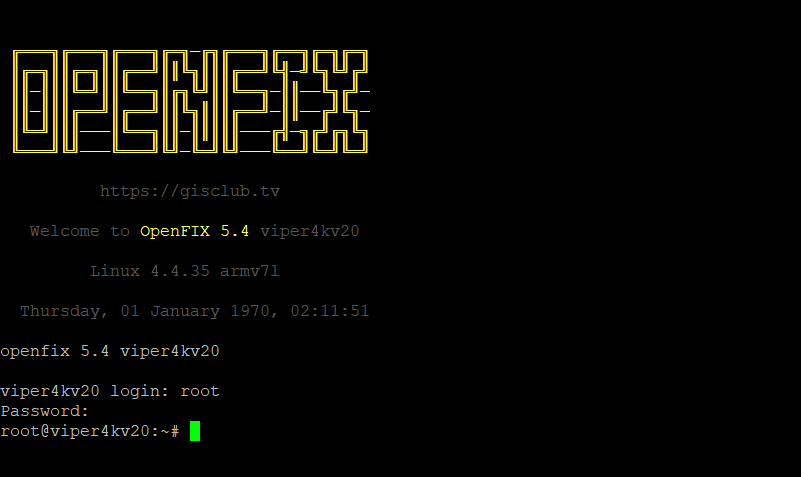
Code:╔═══╗╔═══╗╔═══╗╔═╗─╔╗╔═══╗╔══╗╔═╗╔═╗ ║╔═╗║║╔═╗║║╔══╝║║╚╗║║║╔══╝╚╣─╝╚╗╚╝╔╝ ║║─║║║╚═╝║║╚══╗║╔╗╚╝║║╚══╗─║║──╚╗╔╝─ ║║─║║║╔══╝║╔══╝║║╚╗║║║╔══╝─║║──╔╝╚╗─ ║╚═╝║║║───║╚══╗║║─║║║║║───╔╣─╗╔╝╔╗╚╗ ╚═══╝╚╝───╚═══╝╚╝─╚═╝╚╝───╚══╝╚═╝╚═╝ https://gisclub.tv Welcome to OpenFIX 5.4 viper4kv20 Linux 4.4.35 armv7l Thursday, 01 January 1970, 02:11:51 openfix 5.4 viper4kv20 viper4kv20 login: root
Aparatul functiona, scana etc, ii mergea reteaua dar nu mai facea update pe sistemul de directoare clasic.
Probabil cei care au construit imaginea au facut ceva greseli.
Dupa multa tevatura pe forum la noi si la altii, a ajuns aparatul la mine si am incercat procedura sugerata de @lukas26
Code:using telnet Insert the USB drive with the image you want to flash Connect to the box using telnet (even if It's bootlooping, it works) The username is "root" Now use the command: ofgwrite -n <path-to-the-image> If this results with no errors, You can proceed to flash the image using this command: ofgwrite -k -r <path-to-the-image> Note: the usb drive should be mounted in /media/hdd, so the image path should start with it. For example: /media/hdd/amiko/u57, this should be the standard.
Am pus imaginea pe stick in directorul u57, am bagat stickul in aparat, am intrat in telnet cu root root, am schimbat directorul in /media/hdd pentru ca acolo aparea stickul montat si uite rezultatul la prima comanda:
Code:root@viper4kv20:/hdd# ofgwrite -n u57/ mkdir: can't create directory '/newroot': File exists ofgwrite Utility v4.5.6 Author: Betacentauri Based upon: mtd-utils-native-1.5.1 and busybox 1.24.1 Use at your own risk! Make always a backup before use! Don't use it if you use multiple ubi volumes in ubi layer! Searching image files in u57/ resolved to /media/hdd/u57 Found kernel file: /media/hdd/u57/kernel.bin Found rootfs file: /media/hdd/u57/rootfs.tar.bz2 Setting default parameter: Flashing kernel and rootfs Found EXT4 rootfs Found mounted /newroot Found mountpoint for rootfs file: /media/hdd Found /proc/mtd entries: Device: Size: Erasesize: Name: Image: Using kernel mtd device: Using rootfs mtd device: Read /proc/cmdline Current rootfs is: /dev/mmcblk0p10 Current kernel is: Current root sub dir is: Found cmdLine kernel device: /dev/mmcblk0p9 Found cmdLine rootfs device: /dev/mmcblk0p10 FBIO_SET_MANUAL_BLIT: Operation not permitted Syncing filesystem Flashing kernel ... Successfully flashed kernel! Untar: tar xf /media/hdd/u57/rootfs.tar.bz2 Successfully flashed rootfs! Rebooting in 3 seconds... FBIO_SET_MANUAL_BLIT: Operation not permitted
asta practic a fost o comanda de test, apoi am dat:
ofgwrite -k -r u57/
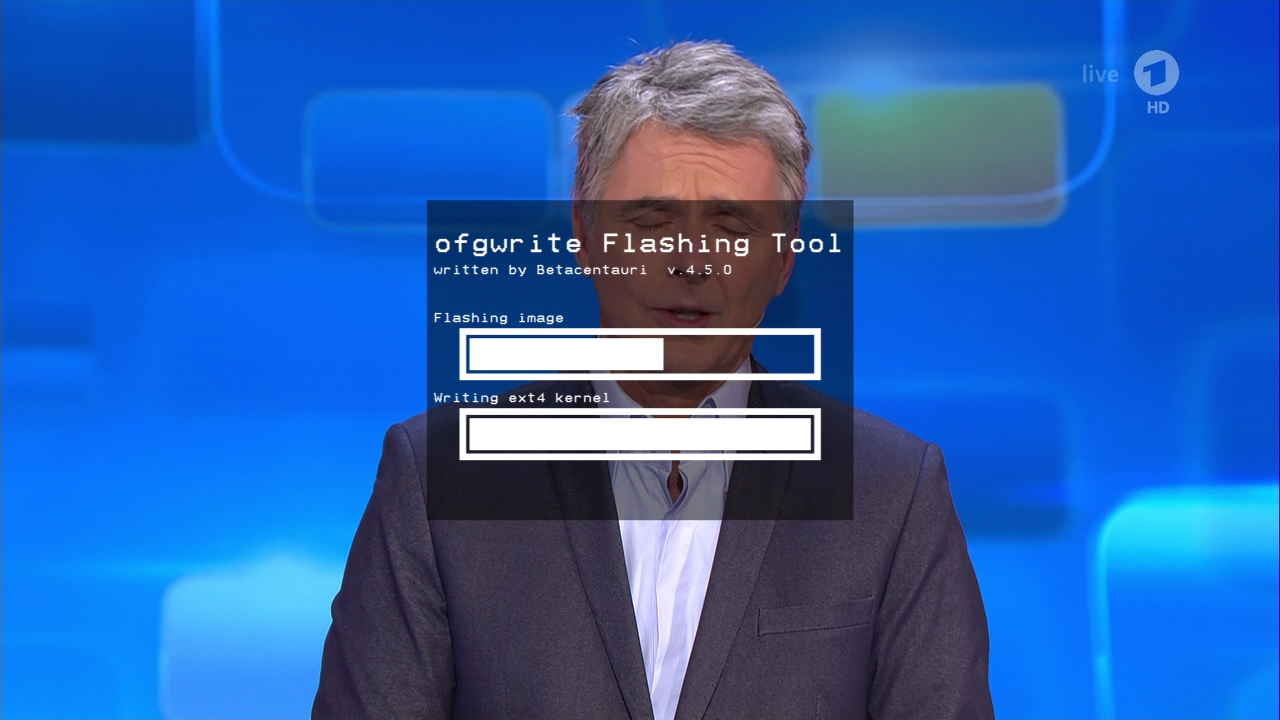
am primit o gramada de erori in consola dar pe tv a aparut ecranul de scriere imagine de forma:
(poza e cu titlu exemplificativ, preluata de la @MihaiP, eu nu am captat ecranul atunci)
Dupa se s-a terminat scrierea si restartarea a aparut meniul de configurare la primul boot al imagini pe care am scris-o, in cazul meu Pure2.

 Reply With Quote

