
Thanks:
0

Likes:
0

Dislikes:
0
-
Golden Member

- Rep Power
- 154
 openBH 0.4 Vu+ Solo/Solo2/SoloSE Image
openBH 0.4 Vu+ Solo/Solo2/SoloSE Image
Whats New:
Completely new image
Based on OE-A core
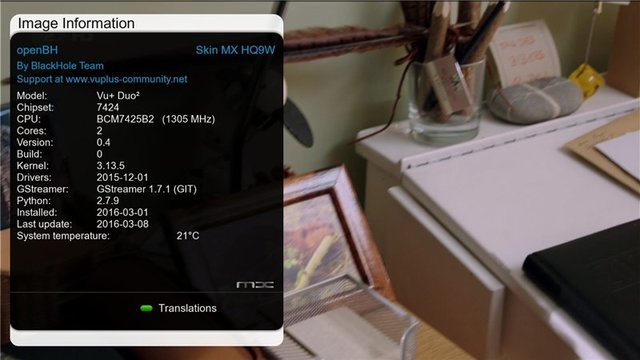
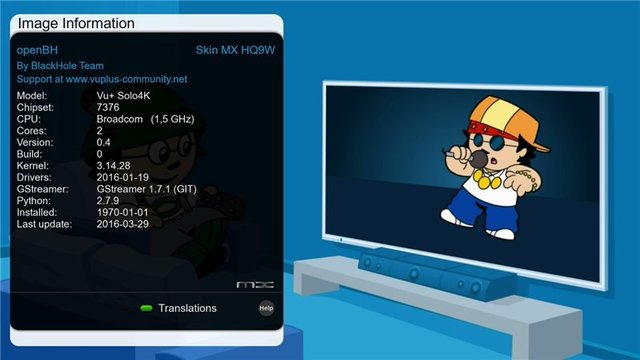
Solo4K supported
Updated to Gstreamer 1.7.1
Updated to Python 2.7.9
Main Features:
MX HQ9W Full Hd skin (1920x1080)
Kodi 15.2 (Solo4K, Duo2, Solo2, SoloSE)
OpenMultiBoot (Solo4K supported)
OE-A Plugins
Black Hole:
Blue panel
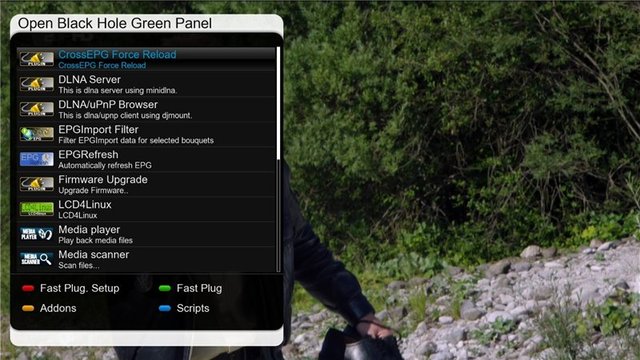
Green Panel
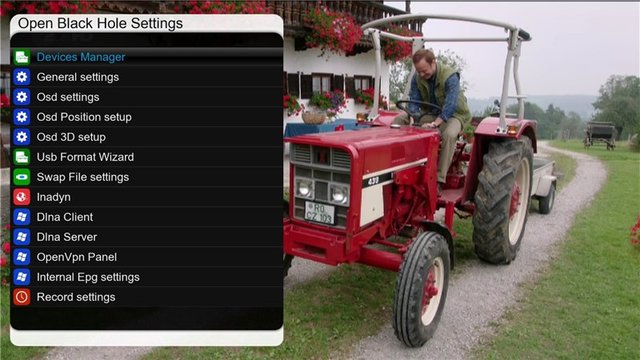
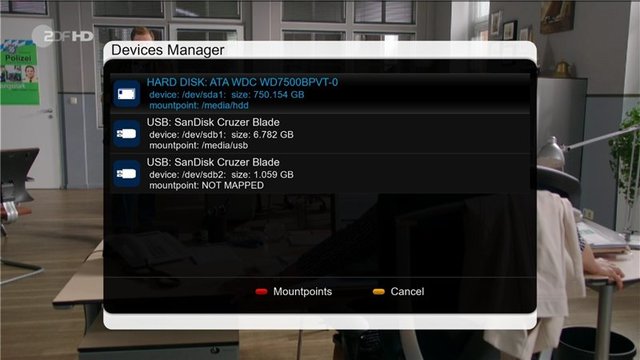
Extra Settings
Addons panel
Compatible with OE-A and PLi plugins and Skins
What is openBH ?It is an exciting project from the same team that produce the Black Hole images.
This latest project is now based on the OE-Alliance git and coding infrastructure, which means it is not only Open Source, but it is also compatible with all OE-A and PLi plugins, feeds, skins and it also features full online update support (for those users that do not like having to do a full reflash everytime there is an image update). We have just given it the Black Hole touch.
This means it has the Green Panel and Blue Panels as found in the previous Open BlackHole and the standard Black Hole images, we have also added the BlackHole addons panel and included Full HD skin support, OpenGLes Animations and we have included Kodi 15.2.
As with the standard Black Hole images, we continue to support Genuine Vu+ Boxes only and therefore our images are optimised for Vu+ boxes and will only work on these models (any openBH, Open BlackHole, or Black Hole images you see on the internet for other box models or clone models are not official images and we offer no support for those boxes or images).
Do I have to upgrade to this new openBH image ?
No you don't have to upgrade to the new openBH image, this image is completely separate from the original Black Hole image, this is simply an alternative image so we can offer our users more choice, if you are happy with your current image, then you can continue to use that image, if you want to try the new openBH image then you can do so.
What about the Black Hole and Black Hole Prism Images ?
For those of you worried about the standard Black Hole and Prismcube image, please don’t worry, we remain committed to the standard Black Hole and Black Hole Prism images and image updates will continue as normal, this new openBH image is an additional project and we are fully committed to all images.
Where can I find the openBH git ?
The openBH git is located here: https://github.com/BlackHole
http://speedy.sh/n5uey/openbh-0.4-vu...se-00abe27.zip
http://www.2shared.com/file/8Gm5mfos...60329_usb.html
http://speedy.sh/Hh4NA/openbh-0.4-vu...se-00abe27.zip

DISCLAIMER
THE OPEN BH IMAGE DOES NOT CONTAIN ANY EMULATOR, K E Y S, SOFTCAMS OR OTHER SYSTEM FOR VIEWING PAY - TV WITH OR WITHOUT A PAID SUBSCRIPTION.
THE OPEN BH IMAGE DOES NOT CONTAIN ANY SYSTEM TO DOWNLOAD PLUGINS OR EMULATORS FROM EXTERNAL SERVERS OR SOFTWARE THAT MAY BE USED FOR ILLEGAL PURPOSES SUCH AS CARD SHARING.
Last edited by bonou2; 30-03-16 at 17:39.
Reason: update
-
Golden Member
- Rep Power
- 154
 Posting Permissions
- You may not post new threads
- You may not post replies
- You may not post attachments
- You may not edit your posts
-
Forum Rules


 Reply With Quote


