

 Thanks:
  Likes:
  Dislikes:


---------- Post added at 13:45 ---------- Previous post was at 13:42 ----------
OpenBox S9 Factory Test Menu
Click Menu -> Tools -> Information and then press '1' [5 times], you will then gain access to the Factory Test Menu.
To change a value, simply press the 'OK' key
To quit the menu press Menu or Exit
Additional Basic Smart Card Infomation
Click Menu -> Tools -> Information and then press '7' [5 times], you will then see additional basic smart card information, you will of course need to have a smart card inserted.
---------- Post added at 14:15 ---------- Previous post was at 13:45 ----------
M3602 HD MPEG-2/H.264 Decoder


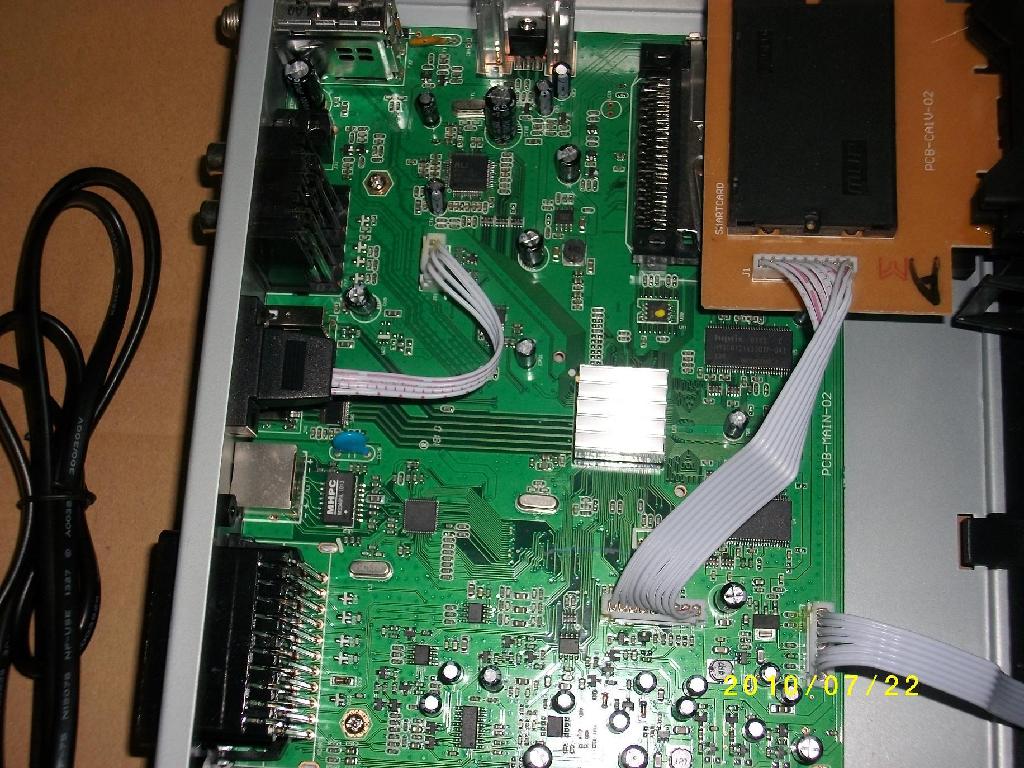


 Reply With Quote

