


 Monitoring LINUX server's
Monitoring LINUX server's
'' tested and working on UBUNTU 8.04 ServerEdition , UBUNTU 9.04 Desktop and ServerEdition , DEBIAN 5.0 ...
NTOP download and install ...
1.st : login as root
2.nd : update server with command :
PHP Code:
apt-get update
3.rd : download and isntall NTOP :
PHP Code:
apt-get install ntop
you bee asked for user ''admin'' pass , choose one for you , then type in terminal :
PHP Code:
ntop
you can acces ntop via web browser in address :
localhost:3000
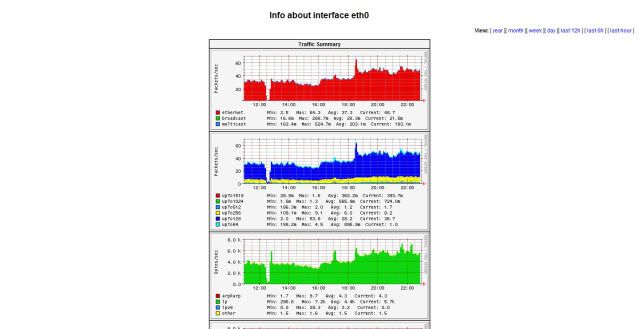
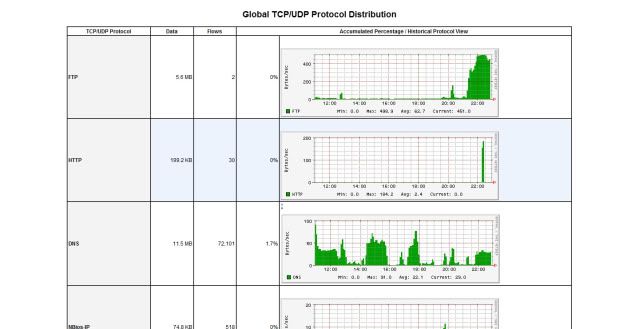
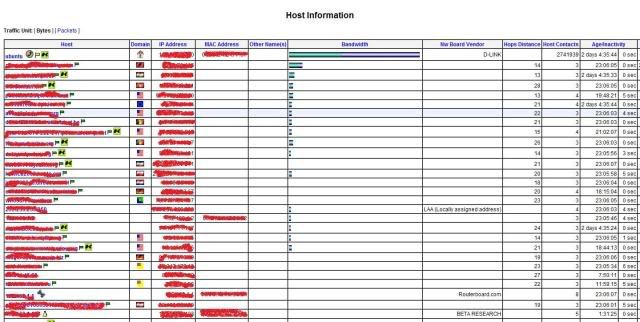
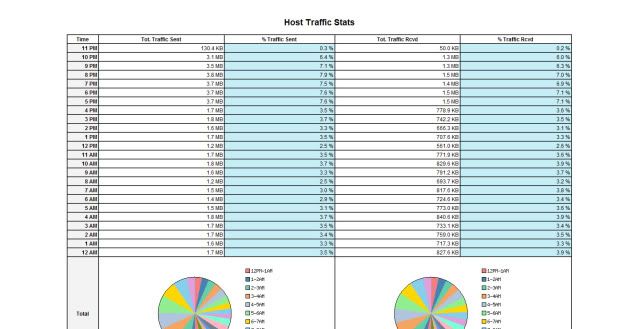
and you shuld see web interface ntop
in NTOP you can see internet trafic betwen peers , time online , port trafic , how manu trafic peers load and so on ... ''


 Reply With Quote

